Upgrading/downgrading MSSQL VDBs
DCT version 2025.2.0.0 introduces a new UI that allows you to upgrade MSSQL VDBs by changing the VDB’s repository to a newer version of SQL Server. You must be running a DCT Engine containing the VDBs that are being upgraded, and they need to be disabled.
UI changes
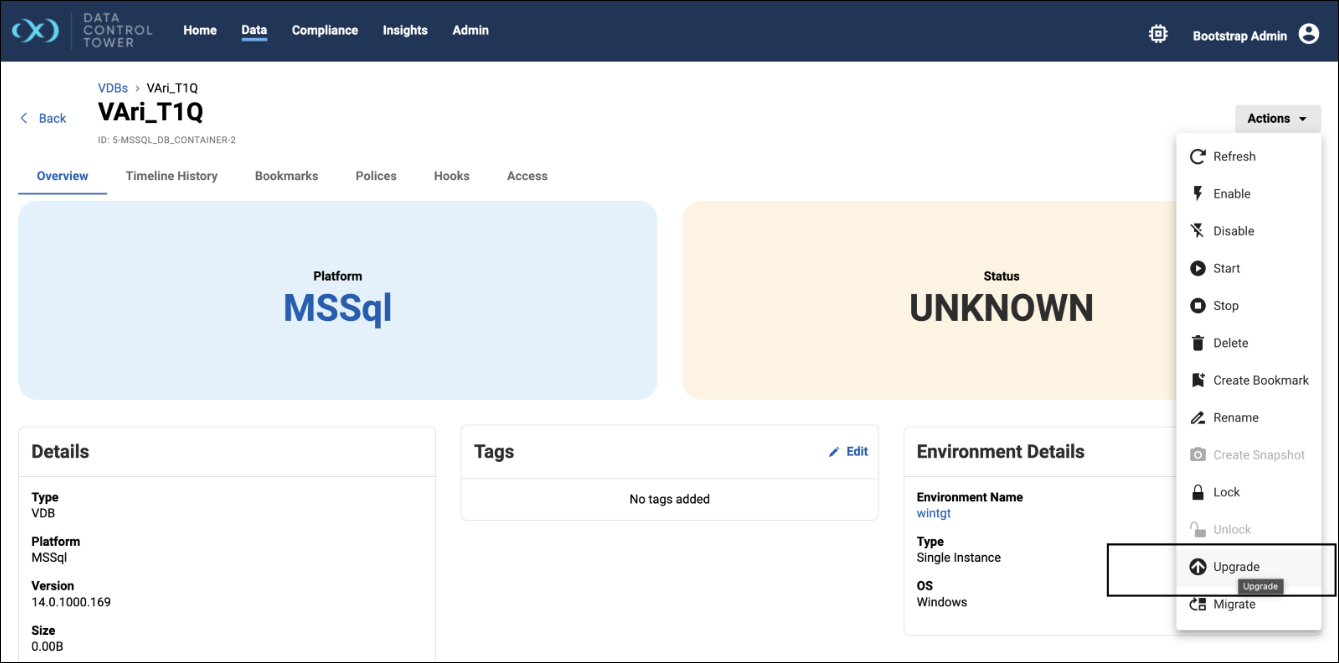
The Upgrade action has been added to the Actions menu in a VDB’s detail view.
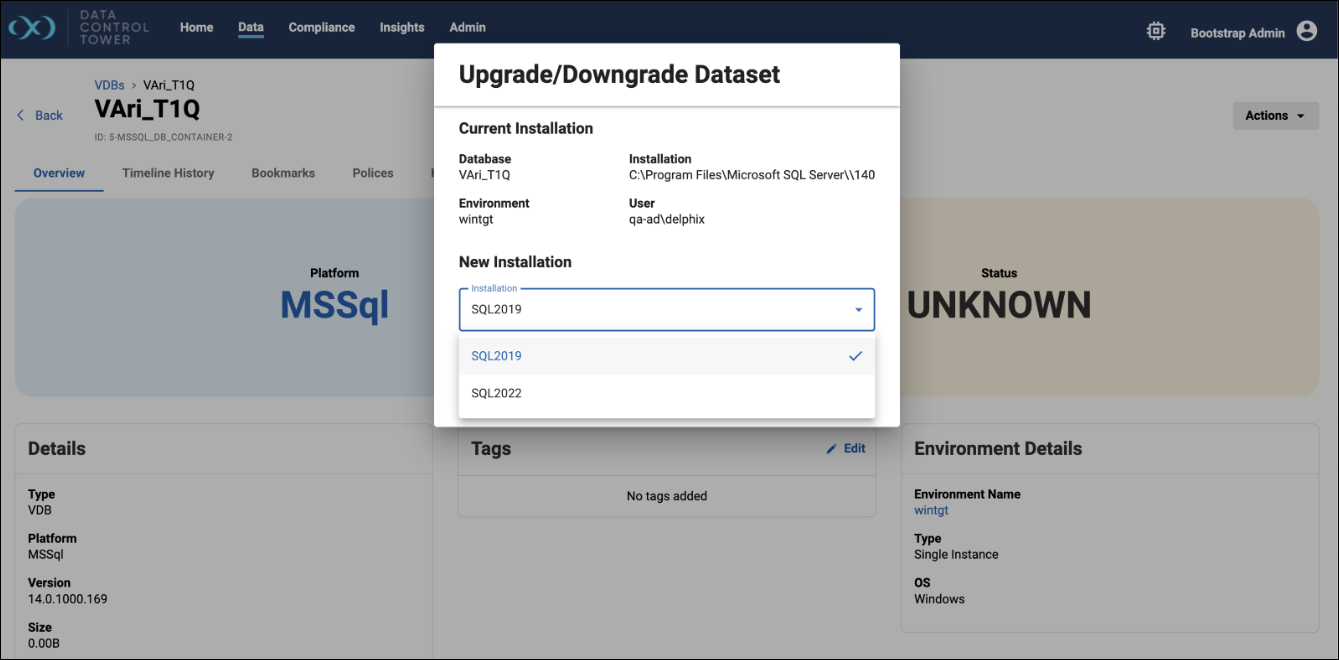
When the Upgrade/Downgrade Dataset window opens, select the target SQL Server installation (e.g., upgrading from SQL 2019 to SQL 2022), and simply click Save to start the upgrade job.